Before you put on your headphones
- Headphones are required for DAF.
- Wired headphones are recommended to avoid additional Bluetooth delay.
- Keep the playback volume at a comfortable level.

DAF in Seakeasy
Your name, the opening words of a call or a passage you want to read aloud. Explore Delayed Auditory Feedback in Seakeasy, a free Android app for people who stutter, with an adjustable delay from 50 to 500 milliseconds.

Understanding DAF
When you speak with DAF running, you hear your words through headphones a moment after saying them. You can try this while reading aloud or practising a phrase, then adjust the delay to explore how different settings feel.
Hearing yourself slightly later may slow down how fast you speak. Some people who stutter (also called stammering) find this makes reading aloud or practising phrases feel smoother; others notice little change. Both experiences are normal.
How DAF works
Say a phrase or read a sentence aloud.
Your speech becomes the audio used for delayed playback.
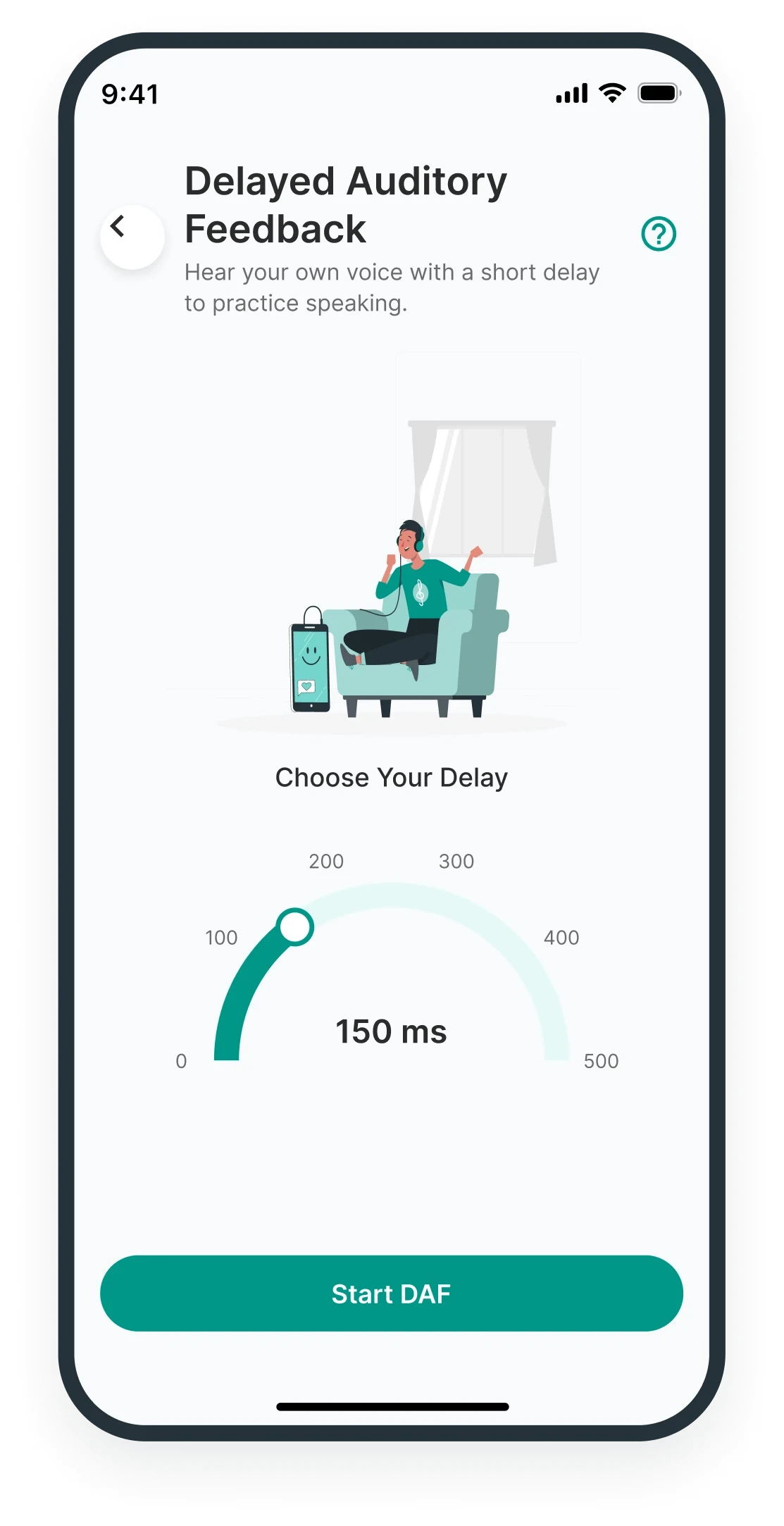
The sound is delayed by the setting you selected, between 50 and 500 milliseconds.
Your voice reaches your ears a moment after you speak.
You say Hello, then after a short delay, for example 150 milliseconds, you hear Hello.
Your first DAF session
Wired headphones are recommended. Bluetooth can add extra delay beyond the setting you choose.
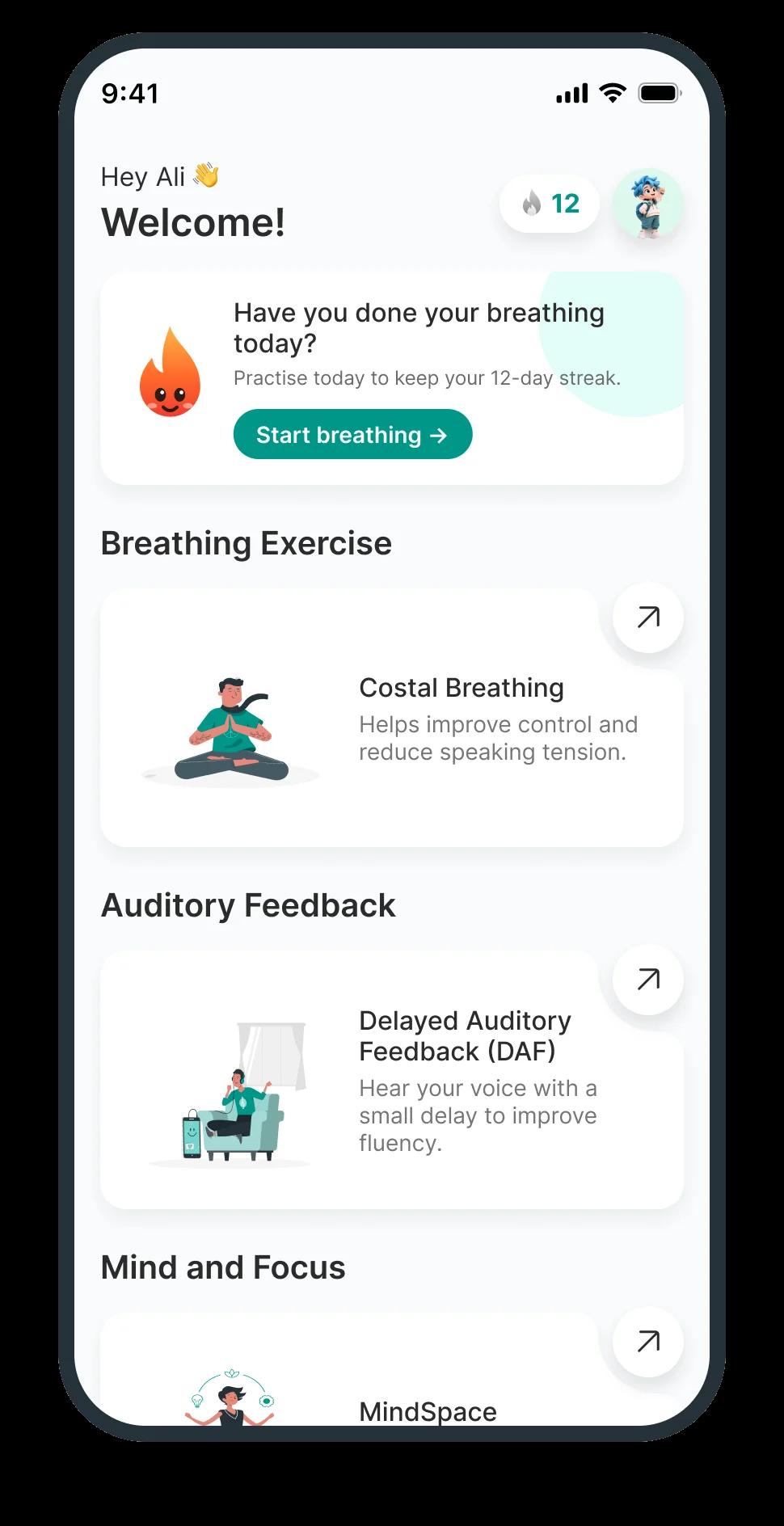
Tap the DAF card on the Seakeasy home screen. Allow microphone access so the app can play your voice back.
Select a value between 50 and 500 milliseconds. You can explore different settings as you become familiar with the playback.
Read a short passage, practise an introduction or say something you have been preparing. Stop whenever you want to finish.
Changing the setting changes the gap between speaking and hearing your voice. There is no single setting that suits everyone. Take time to explore, and stop if the playback feels uncomfortable.
Before you try DAF
Help with your session
Check your headphones, playback volume and microphone permission first.
Check that your headphones are connected and the volume is audible, then restart DAF. If you still cannot hear anything, check that Seakeasy has microphone access.
Read a little further

Understanding Stuttering
Understand stuttering and stammering, what these words mean and why there can be more to the experience than others hear.
Coming soon
Practice & Techniques
Ideas for choosing something to read, exploring delay settings and approaching your first session.
Coming soon

Practice & Techniques
Explore how a breathing exercise could fit into your preparation, if you find it useful.
Coming soon
Your DAF questions
Yes. Seakeasy includes Delayed Auditory Feedback in its free Android app, available on Google Play. Seakeasy is not currently available on iPhone.
Seakeasy is a free app for people who stutter. Explore the tools and find a place for practice in your own routine.

Available on Android. Not yet available on iPhone.